Symptom
By Default, Kali Linux doesn’t enable the SSH . Suppose you have requirement to enable the SSH access of Kali Linux.
To enable the SSH follow the below process :
Process
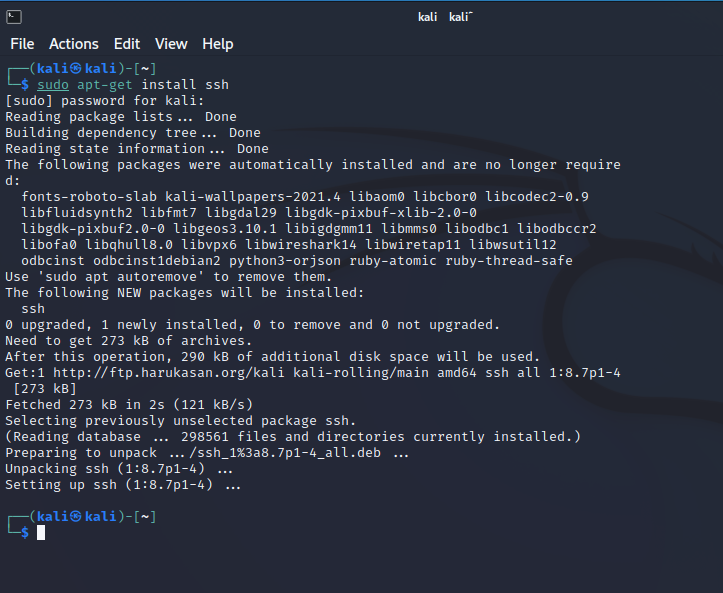
- Open the terminal and install OpenSSH Server.
sudo apt-get install ssh
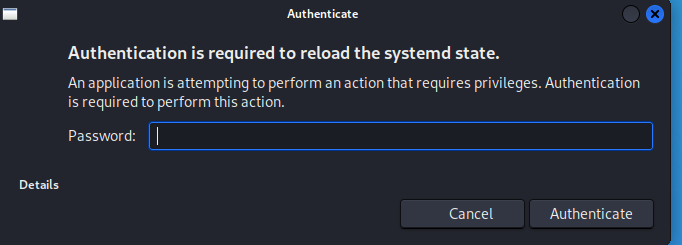
- To run SSH Configuration in Continuously manner for remote SSH, There would be need to remove run LEVEL by executing the command “update-rc.d -f ssh remove” . It would ask the authentication if root level login is not there. Authenticate to execute the command.
update-rc.d -f ssh remove

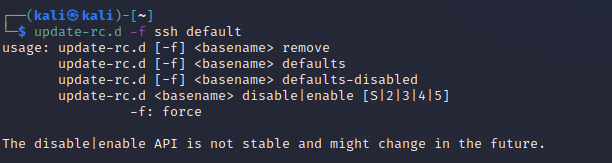
- Load the default SSH Level
update-rc.d -f ssh defaults
- Change the default SSH Key. The reason of change the default SSH Key are to prevent from the attacker that default SSH key can be cracked by the attacker.
$ cd /etc/ssh/
$ mkdir insecure_original_default_kali_keys
$ mv ssh_host_* insecure_original_default_kali_keys/
$ dpkg-reconfigure openssh-server
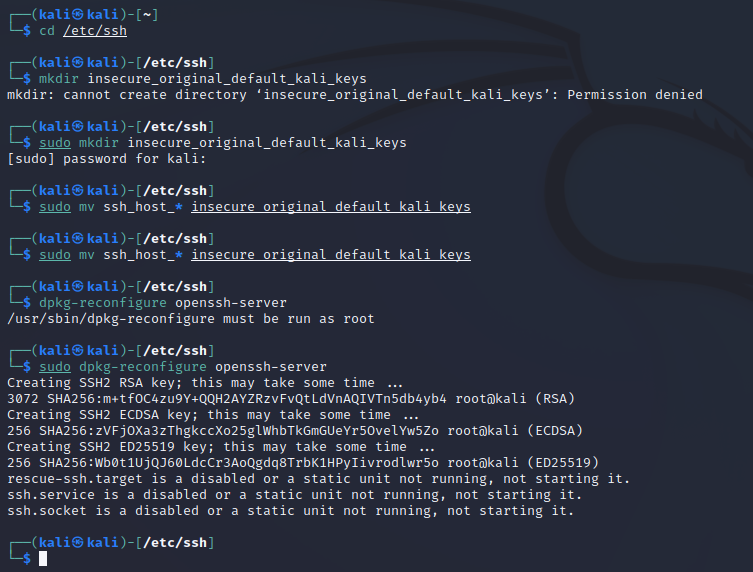
- Start the SSH Services
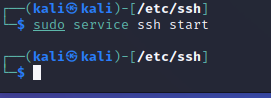
$sudo service ssh start